# Building an Unique Braille Loader for My AI Startup
> I built a small Braille loader for our AI chat at Notra, because a regular spinner felt a little too boring.
- **Author**: Dominik Koch
- **Published**: 2026-05-27
- **Modified**: 2026-06-03
- **Category**: Technical
- **URL**: https://dominikkoch.dev/blog/building-an-unique-braille-loader-for-my-ai-startup
---
**TLDR:** If you only want the component and use it in your app, here's the command to add it:
You can also find a quick demo on [this page](#braille-demo)
---
At my company [Notra](https://www.usenotra.com/) I've recently been building a new AI chat (that's actually pretty good). To make it more interesting, I wanted a cool loading animation. Join me on my exploration for finding the perfect loader!
## What even is Braille?
Braille is used in the real world for blind people to be able to read text. Medication, for example, usually has Braille imprinted on the packaging so visually impaired people can actually understand what the Medication they are holding is for.
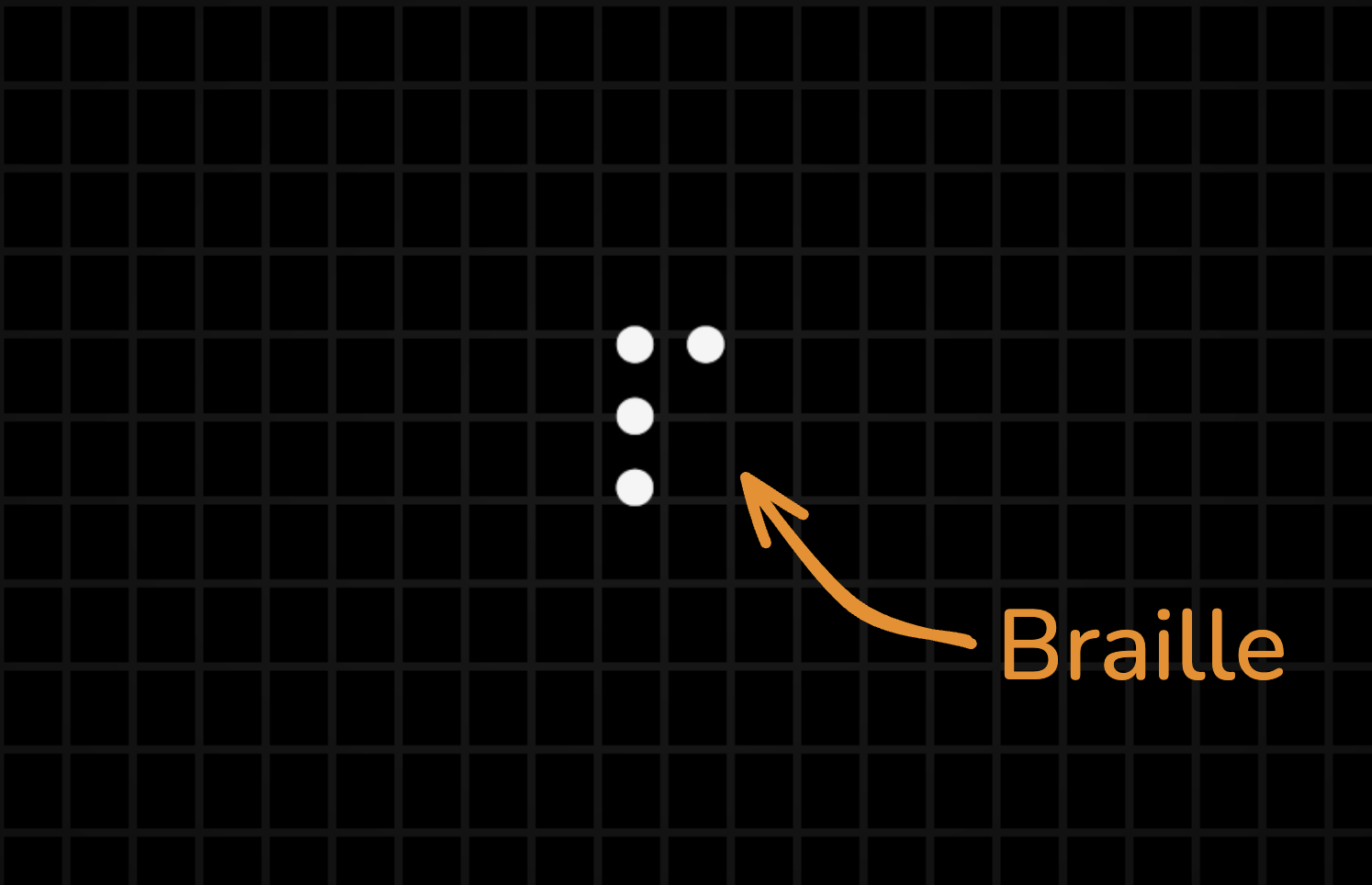
These four dots represent the lowercase letter p in Braille.
These four dots represent the lowercase letter p in Braille.
That being said it also makes for a great loader animation. Since we can achieve some sort of snail going in a circle to indicate something is loading. This is very commonly used inside CLIs already.
But a plain spinner would be pretty boring, right?
## Coming up with something cool
Since braille already represents real letters I thought why don't I make a component that spells out the name of my company, notra, and turn that into braille to use as a loader.
So I did, you can see the result here:
## The Component
### Installation
You can use the shadcn CLI to install this component through the following command:
This should add two new files to your project, the ui component **braille-loader.tsx** and the utility file **text-to-braille.ts**.
### Usage
After installing the component, import it into the place where you show loading states:
```tsx
import { BrailleLoader } from "@/components/ui/braille-loader";
```
Then render it like any other loader:
```tsx
```
The `text` prop is converted to Braille automatically, so you can use your own product name, company name, or loading label:
```tsx
```
You can also change the animation style:
```tsx
```
I like using it in AI chat loading states:
```tsx
{isLoading ? (
) : null}
```
And since it accepts `className`, you can style it like any other shadcn component:
```tsx
```
### Accessibility
Because this loader uses Unicode Braille characters, I wanted to make sure it behaves well for screen reader users too.
When I tested it with macOS VoiceOver, the Braille characters were not read back as the original text. Instead, VoiceOver announced the Unicode character names, which makes the loader noisy and not very useful.
Since the animation is decorative, the Braille characters themselves should be hidden from assistive technology with `aria-hidden="true"`. The component can still expose a simple accessible label like "Loading" on the surrounding `` element, so screen reader users get the actual state without hearing every animated character.
## Conclusion
This started as a small loading animation for our AI chat at Notra, but it turned into a fun little component that feels more unique than a regular spinner. By converting real text into Braille, the animation can carry a bit of brand personality without becoming too distracting. And who knows, maybe this can be a fun little easter egg for your users to spot ;D
If you want to try it in your own app, you can install it with the shadcn CLI and pass in your own text:
---
- [More Technical articles](https://dominikkoch.dev/blog/category/technical)
- [All articles](https://dominikkoch.dev/blog)